Dark mode
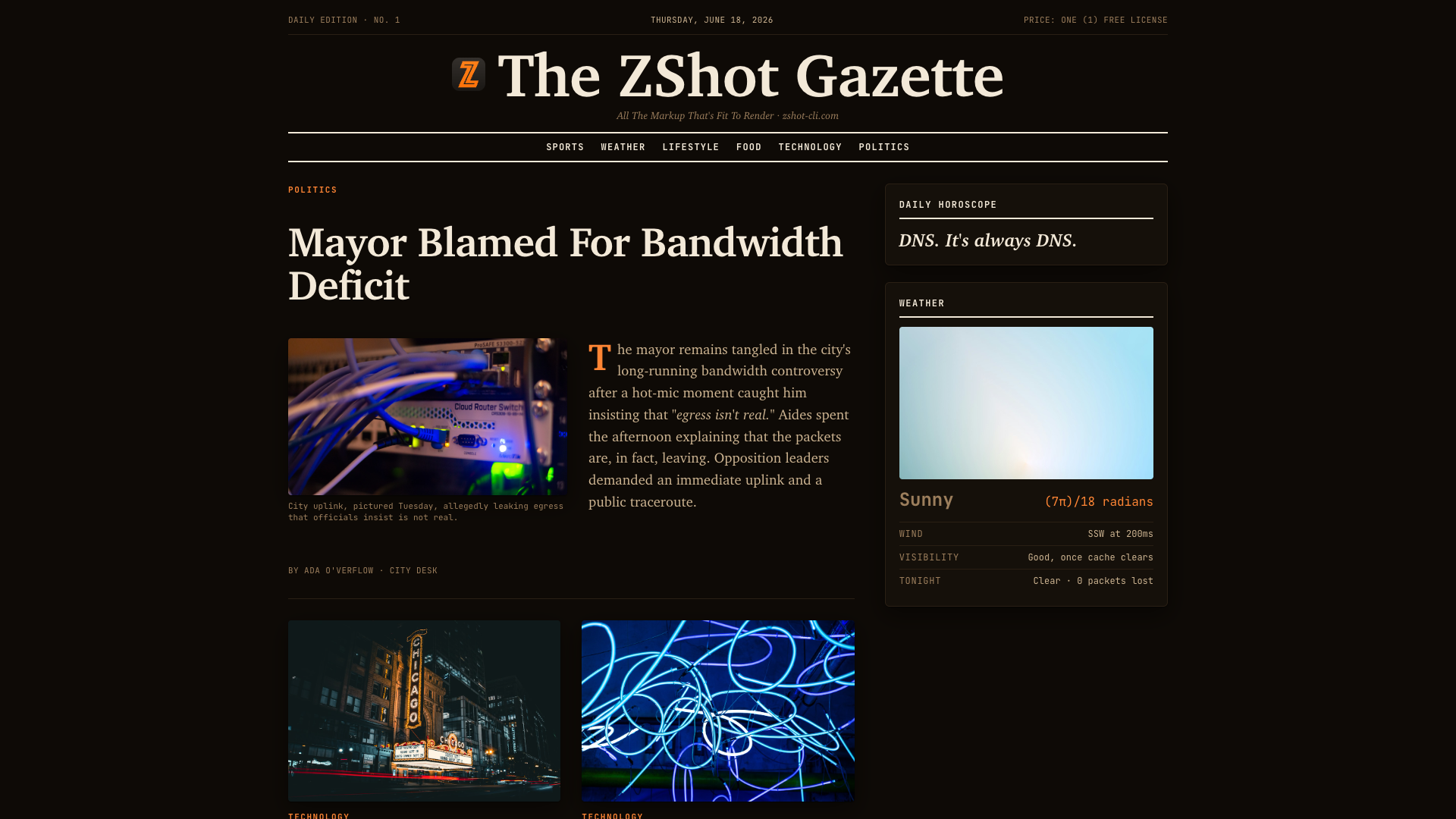
Capture the ZShot Gazette in its dark palette, saved to gazette-dark.png.
zshot -f gazette-dark.png \
  --emulate-dark-mode \
  https://zshot-cli.com/example_assets/gazette/
{
"url": "https://zshot-cli.com/example_assets/gazette/",
"output_type": "png",
"emulate_dark_mode": true
}curl -X POST http://127.0.0.1:3000/ \
-H "Content-Type: application/json" \
-d '{"url":"https://zshot-cli.com/example_assets/gazette/","output_type":"png","emulate_dark_mode":true}' \
-o gazette-dark.png